
Works with offline accounts
Enable Remote Play for local PS5 profiles that have never been linked to PSN. Orbit Play shows you what it will change and waits for you to confirm.
How account setup worksFree · Open source · Beta 0.3.0
 Remote Play for your jailbroken PS5
Play on your Mac, Windows or Linux computer over your home network. No PSN sign-in and no extra tools: download one app, and it starts its own helper on the PS5.
Free for Mac, Windows and Linux · Version 0.3.0
Why Orbit Play
Enable Remote Play for local PS5 profiles that have never been linked to PSN. Orbit Play shows you what it will change and waits for you to confirm.
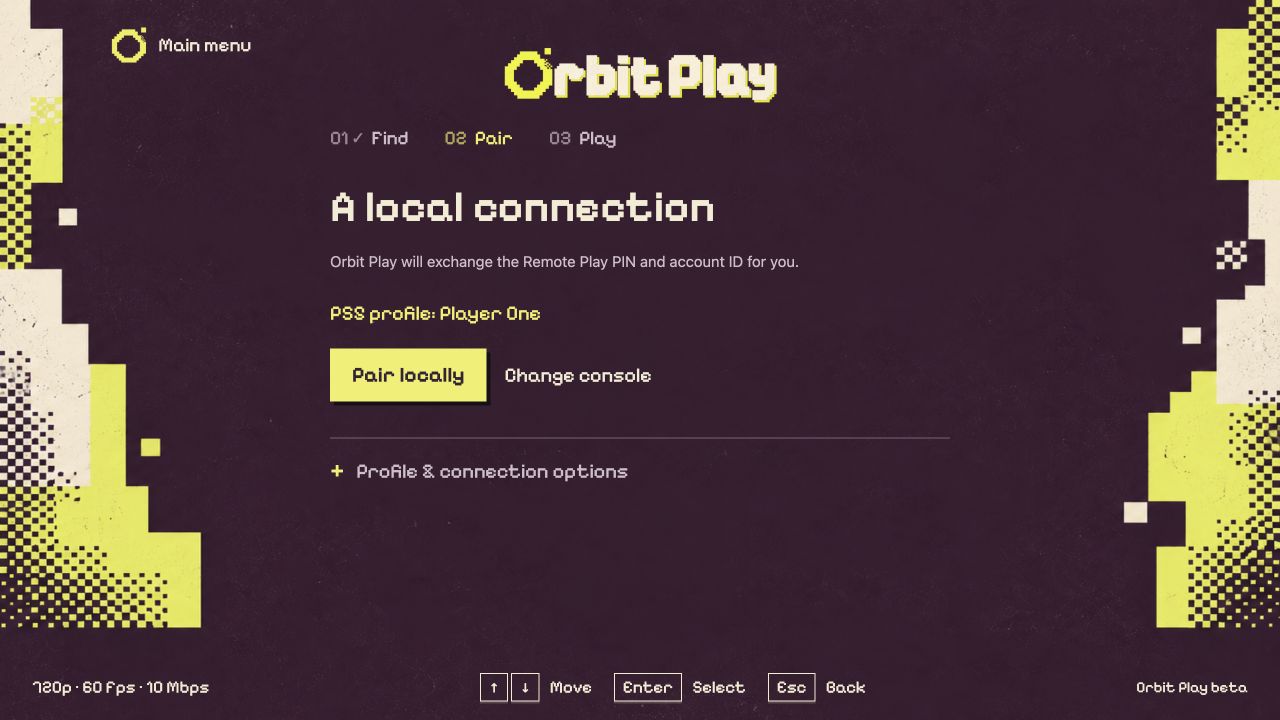
How account setup worksOrbit Play reads the profile’s account ID and exchanges the Remote Play PIN for you. There is nothing to look up, convert or generate.
See the first connectionThe desktop app includes the player and the PS5 helper, and starts the helper through Payload Manager or your ELF loader. No separate ELF or Chiaki install.
About the PS5 helperHow it works
Open Payload Manager or enable an ELF loader on the PS5, and log into the profile you want to play as.
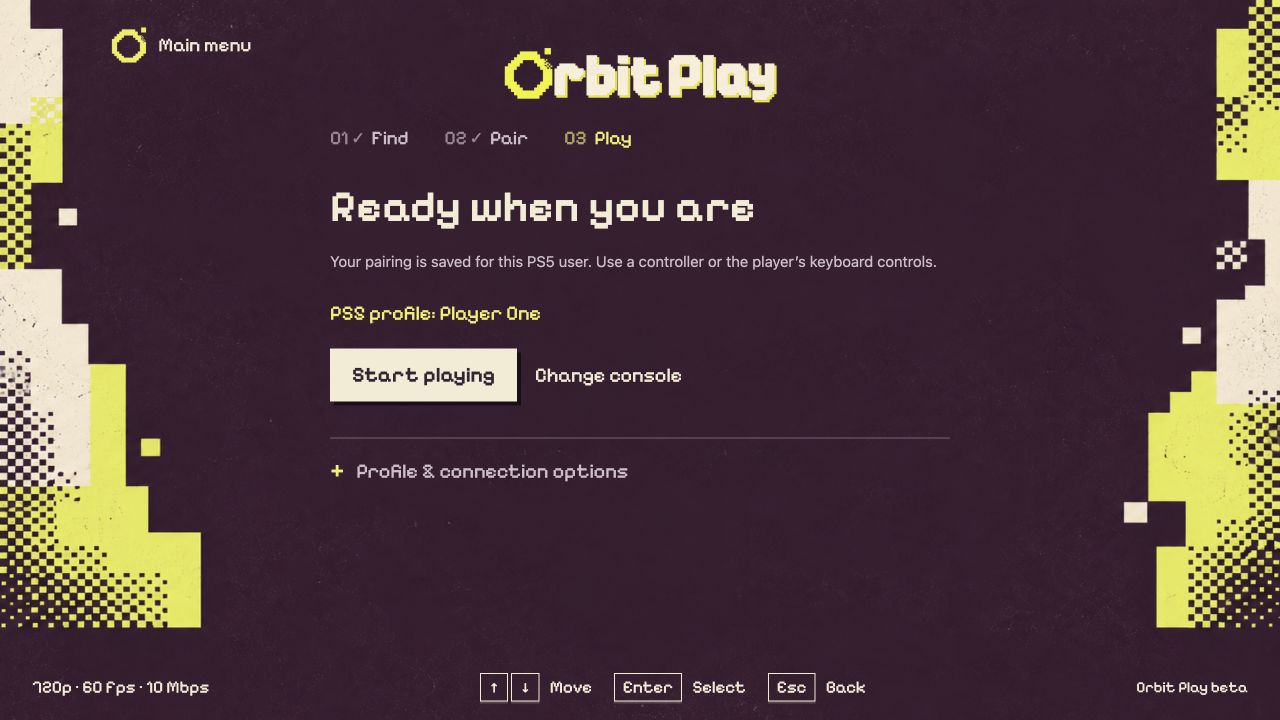
In Orbit Play, open Console setup, enter the PS5’s IP address and choose Start helper on PS5.
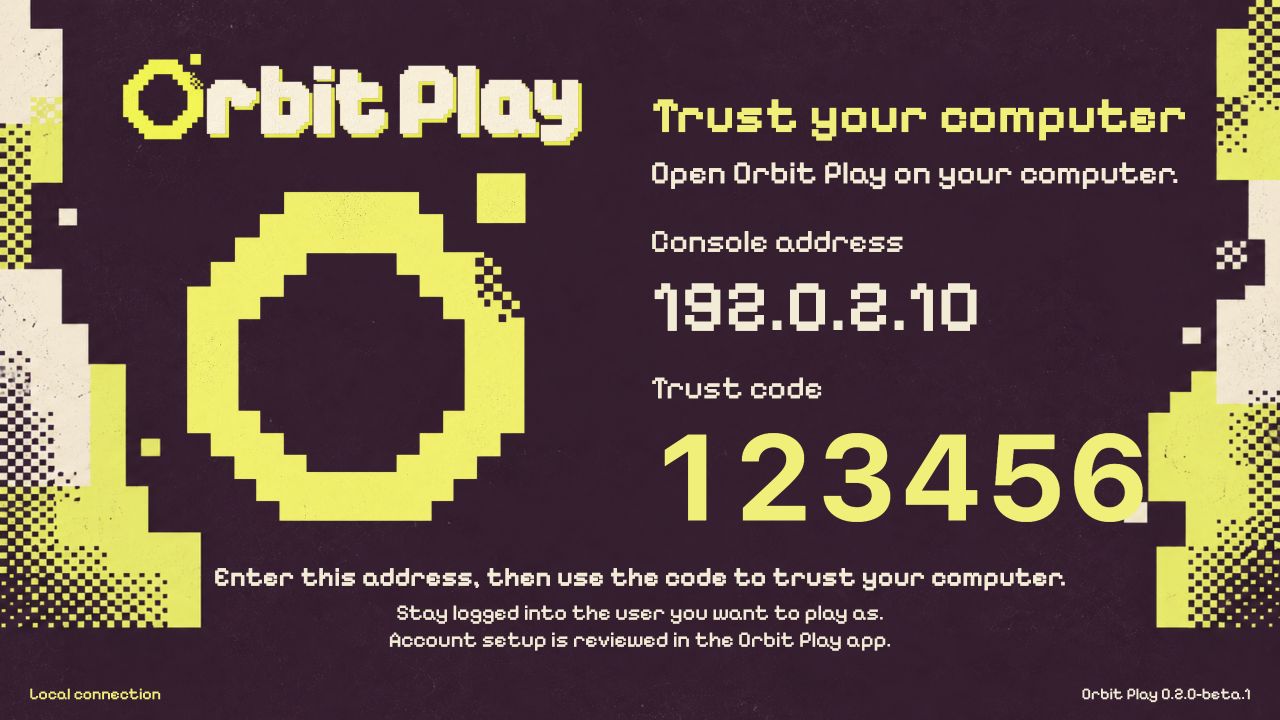
Type the six-digit code shown on the PS5, then choose Pair locally. Orbit Play handles the Remote Play PIN.
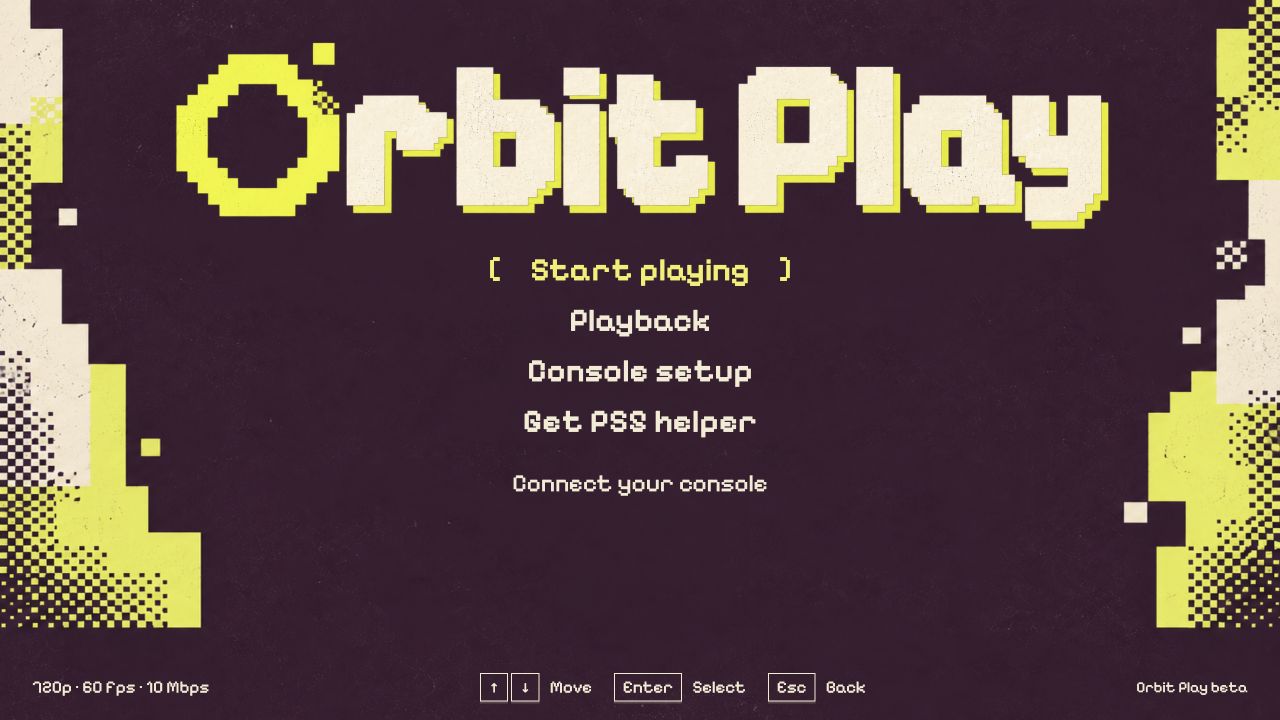
Connect a DualSense to your computer, or click the video to use the keyboard. Press F1 for the controls.
Made for playing locally
Beta status
This beta works on your local network only. Your computer and PS5 must be on the same trusted network, with the console awake and the intended user logged in.
| Device | Requirements |
|---|---|
| Mac | Apple Silicon, macOS 26 or later |
| Windows | Windows 10 or 11 on x64; Windows 11 on ARM using the x64 download |
| Linux | x64 or arm64; Ubuntu 24.04 or a compatible distribution |
| PS5 | Jailbroken, with Payload Manager or an ELF loader. Tested on firmware 13.60 with Relapse and Payload Manager v0.5.2 |
| Network | Computer and awake PS5 on the same trusted local network |
Only firmware 13.60 has been tested; other firmware may work. Intel Macs are not supported in this beta. Mac builds are not notarized and Windows builds are not code-signed, so the installation guide shows how to approve the first launch.
Download
You only need the desktop app. It includes the player and the matching PS5 helper.
Guides
Questions
Download Orbit Play for your computer, load your PS5’s jailbreak and open Payload Manager or enable an ELF loader. In the app, enter the PS5’s address and choose Start helper on PS5. Enter the six-digit trust code the helper shows, then pair and start playing. The step-by-step guide shows every screen.
Yes. Pairing and playing happen on your home network: Orbit Play never asks for a PSN sign-in and doesn’t need an internet connection. It does not provide online PSN services.
Yes. Orbit Play can enable Remote Play for profiles that have never been linked to PSN, often called offline accounts. If the profile needs a local account ID, the app creates one, so you don’t need a separate offline activation tool. It only does this after you review the changes and accept the risk to existing saves. We recommend a separate new profile with no saves. Read account setup and recovery first.
No. Orbit Play reads the account ID of the profile logged in on the PS5, so there’s no lookup website, script or hex-to-base64 conversion. Profiles that have never been linked to PSN have no online ID to look up; if one needs a local account ID, account setup creates it.
No. Orbit Play includes the player and the PS5 helper, handles the account ID and Remote Play PIN, and offers account setup when it’s needed. You still need a jailbroken PS5 with a payload loader.
Orbit Play has been tested on firmware 13.60 with Relapse and Payload Manager v0.5.2. Other firmware may work but is untested; after account setup there, restart the PS5 and reload the jailbreak before pairing.
No. The desktop app includes the PS5 helper and starts it on your jailbroken PS5 through Payload Manager or an ELF loader. If you prefer to run the helper yourself, the standalone ELF is on the download page.
Yes. Orbit Play is free and open source. The computer app is licensed under AGPL-3.0-only and the PS5 helper under GPL-3.0-or-later, and every release includes the complete source of both.
All questions: account IDs, PINs, second users, PS Portal and fixes