Press kit
Writing about Orbit Play?
Everything you need is on this page: descriptions you can quote, the key facts, logos and screenshots. Please link to orbitplay.dev or the GitHub repository, the only official sources for downloads.
Descriptions
One line
Orbit Play is a free, open-source Remote Play app for jailbroken PS5s on Mac, Windows and Linux.
Short paragraph
Orbit Play is a free, open-source Remote Play app for jailbroken PS5s, available on Mac, Windows and Linux. It streams over your home network without PSN sign-in or an internet connection, and can enable Remote Play for local PS5 accounts that have never been linked to PSN. Users only download the desktop app: it includes the player and starts its own PS5 helper through Payload Manager or an ELF loader, then handles the account ID and Remote Play PIN automatically.
Key facts
- Latest version
- 0.3.0 (beta)
- Platforms
- Apple Silicon Macs (macOS 26 or later), Windows 10 and 11 (x64, and Windows 11 on ARM through emulation), Linux x64 and arm64
- PS5
- Jailbroken PS5 with Payload Manager or an ELF loader. Tested on firmware 13.60 with Relapse and Payload Manager v0.5.2
- Price
- Free
- Licence
- Computer app AGPL-3.0-only; PS5 helper GPL-3.0-or-later. Every release includes the complete source
- Picture
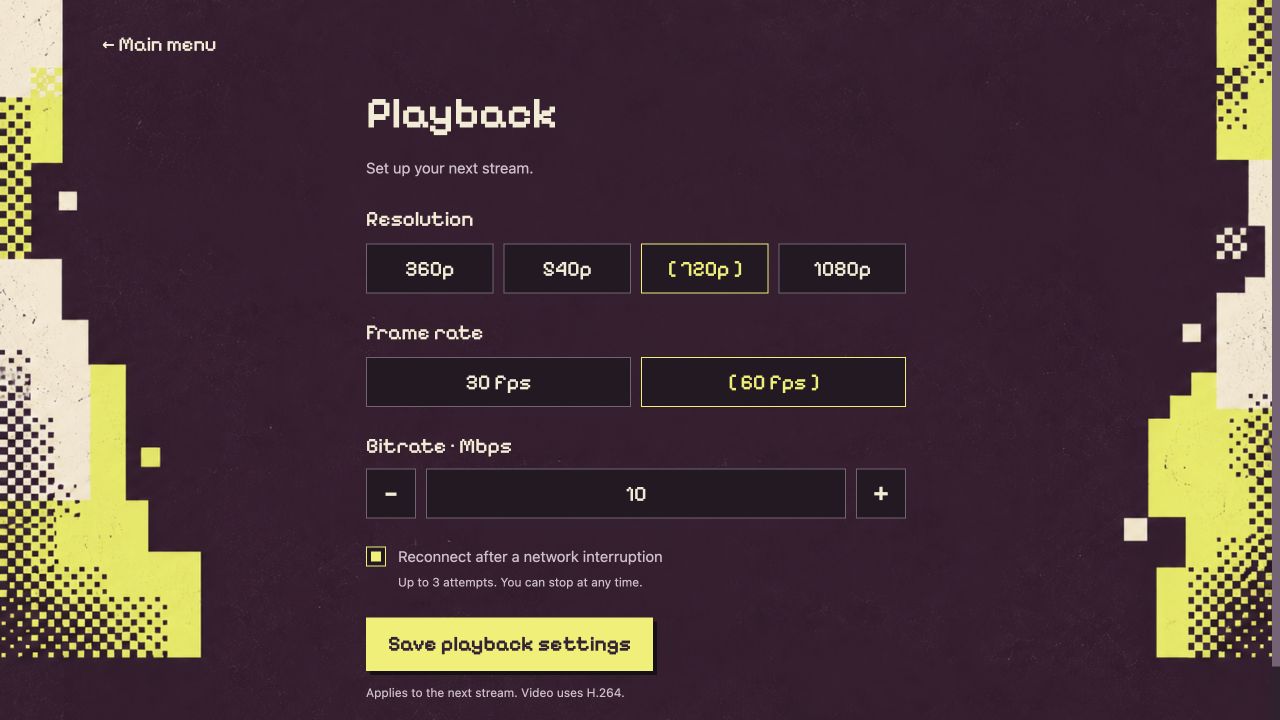
- 360p to 1080p H.264, 30 or 60 fps, 1–50 Mbps
- Limits
- Local network only in this beta. No HDR, microphone, haptics or wake from Rest Mode yet
- Website
- orbitplay.dev
- Source and issues
- github.com/saawant12/orbit-play-ps5
Orbit Play is an independent project, unaffiliated with Sony or PlayStation.

Screenshots
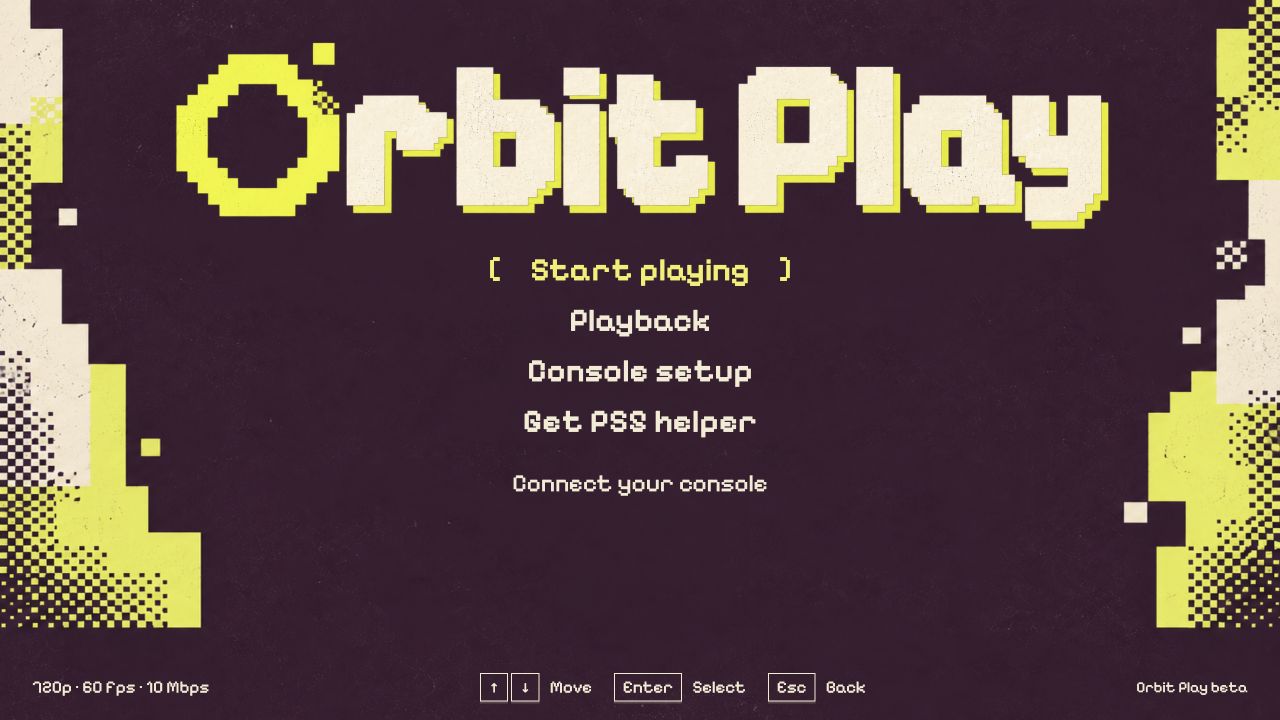
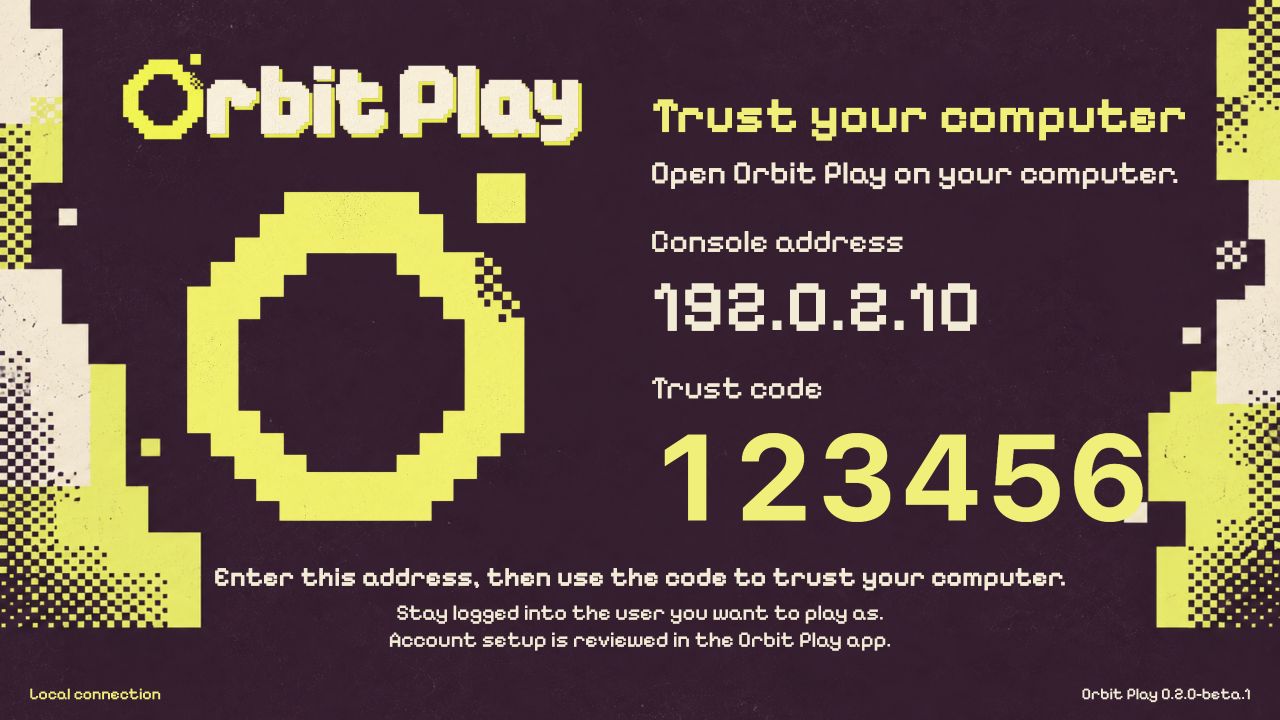
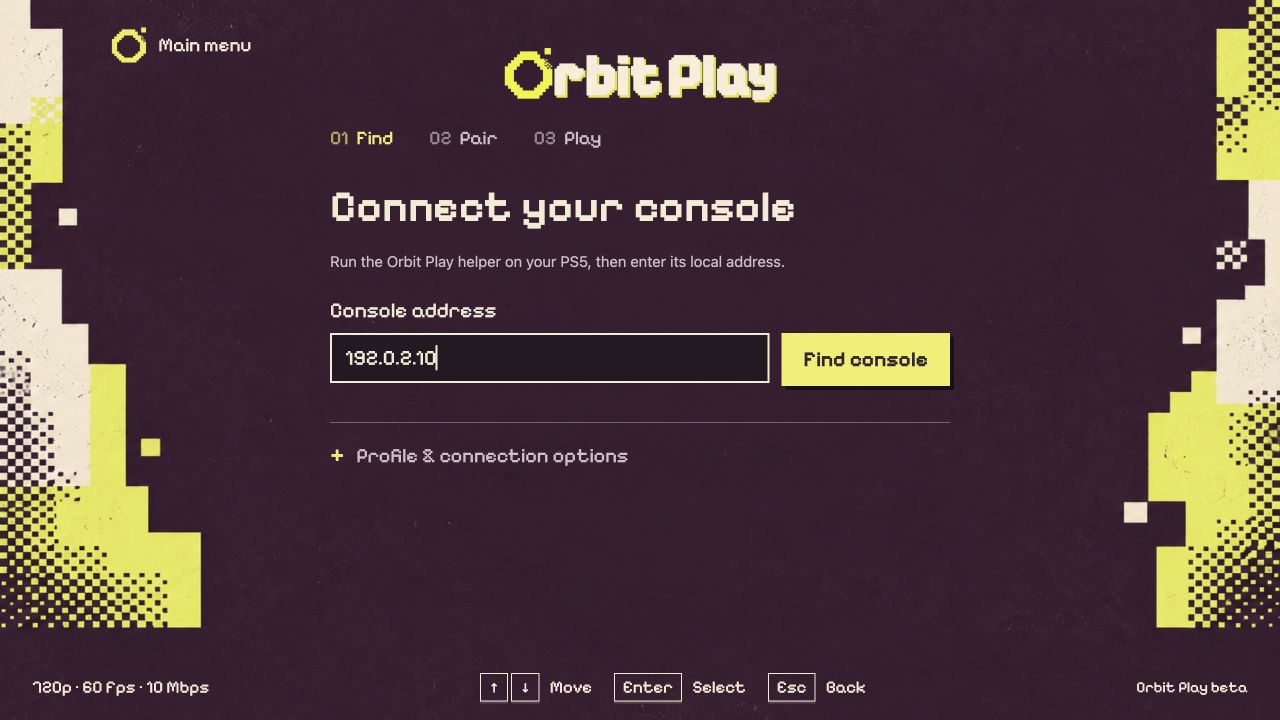
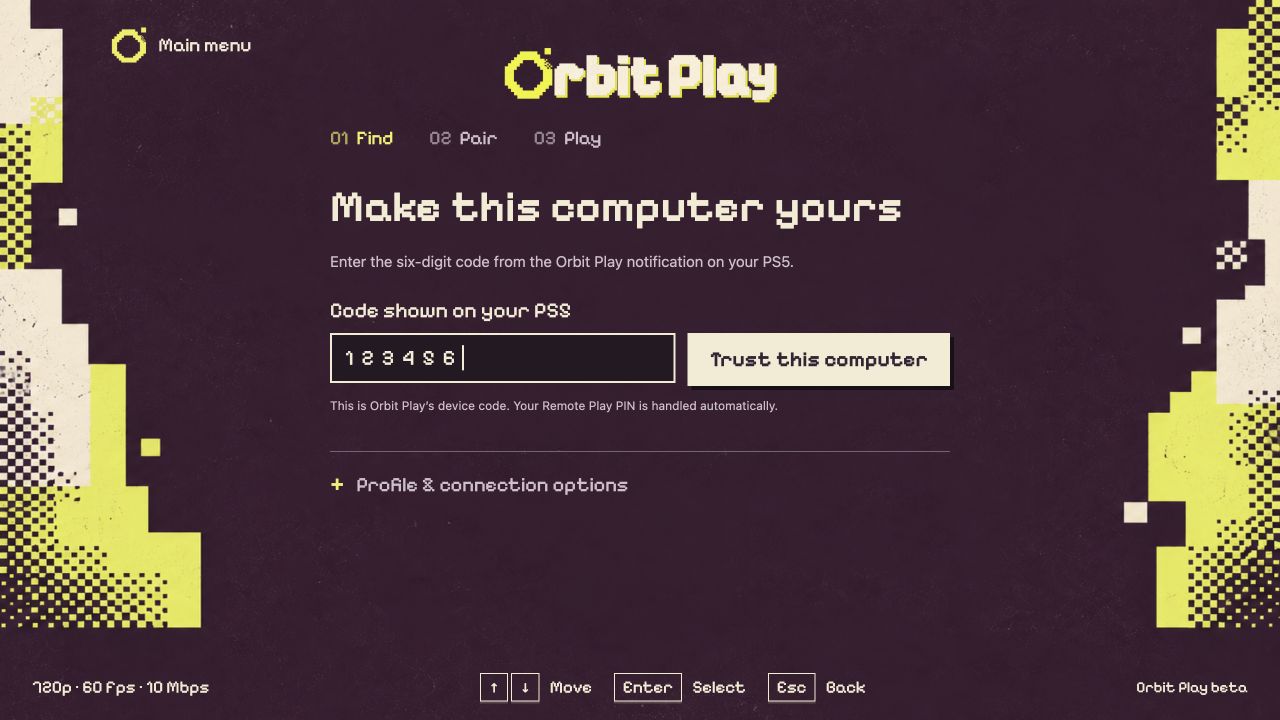
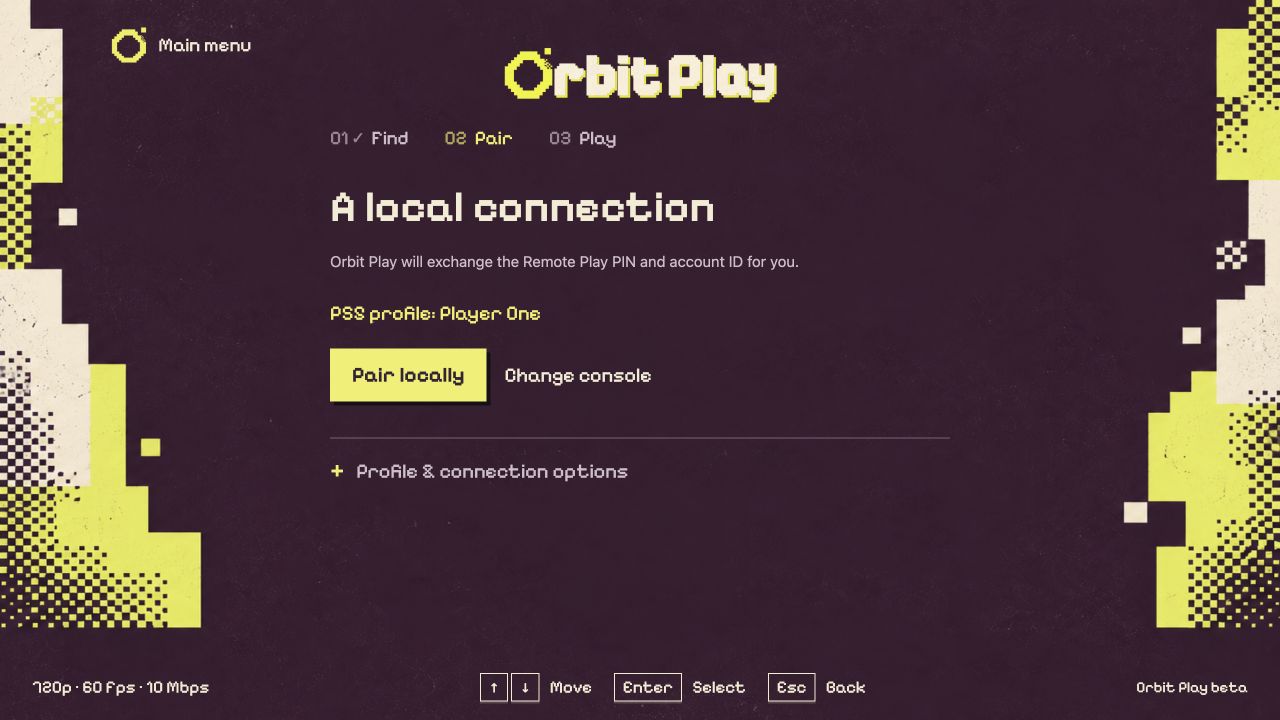
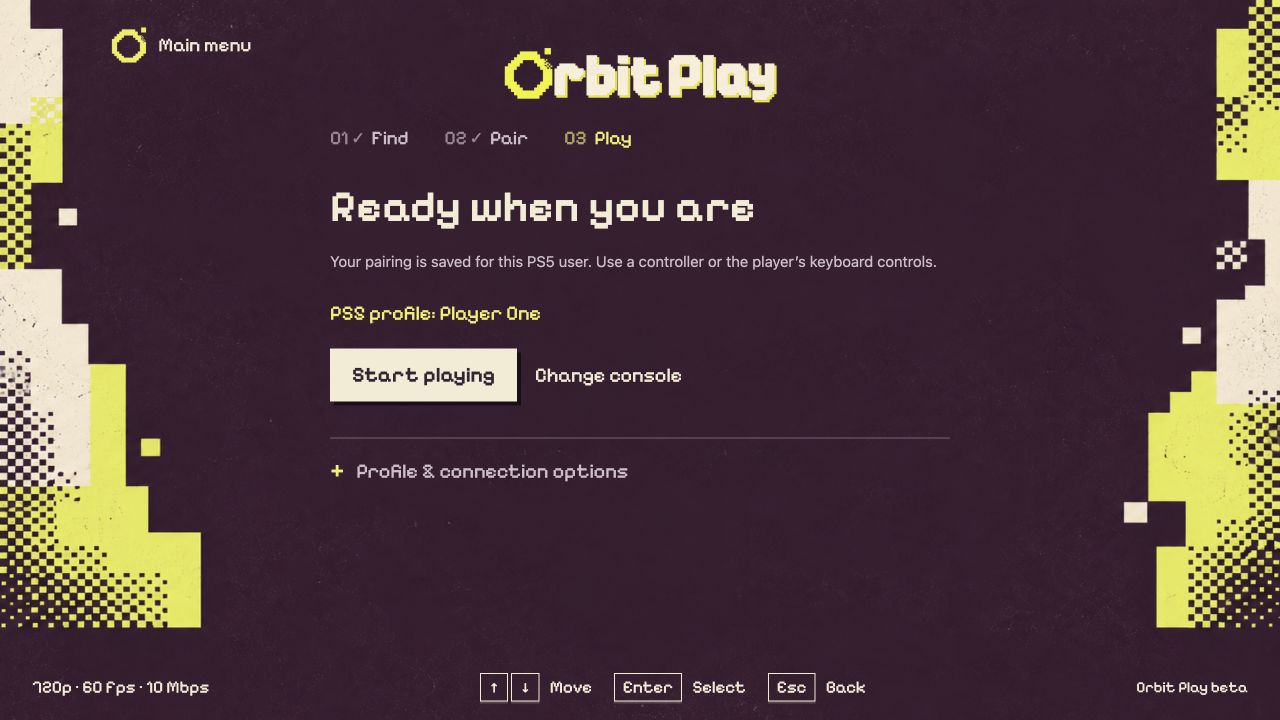
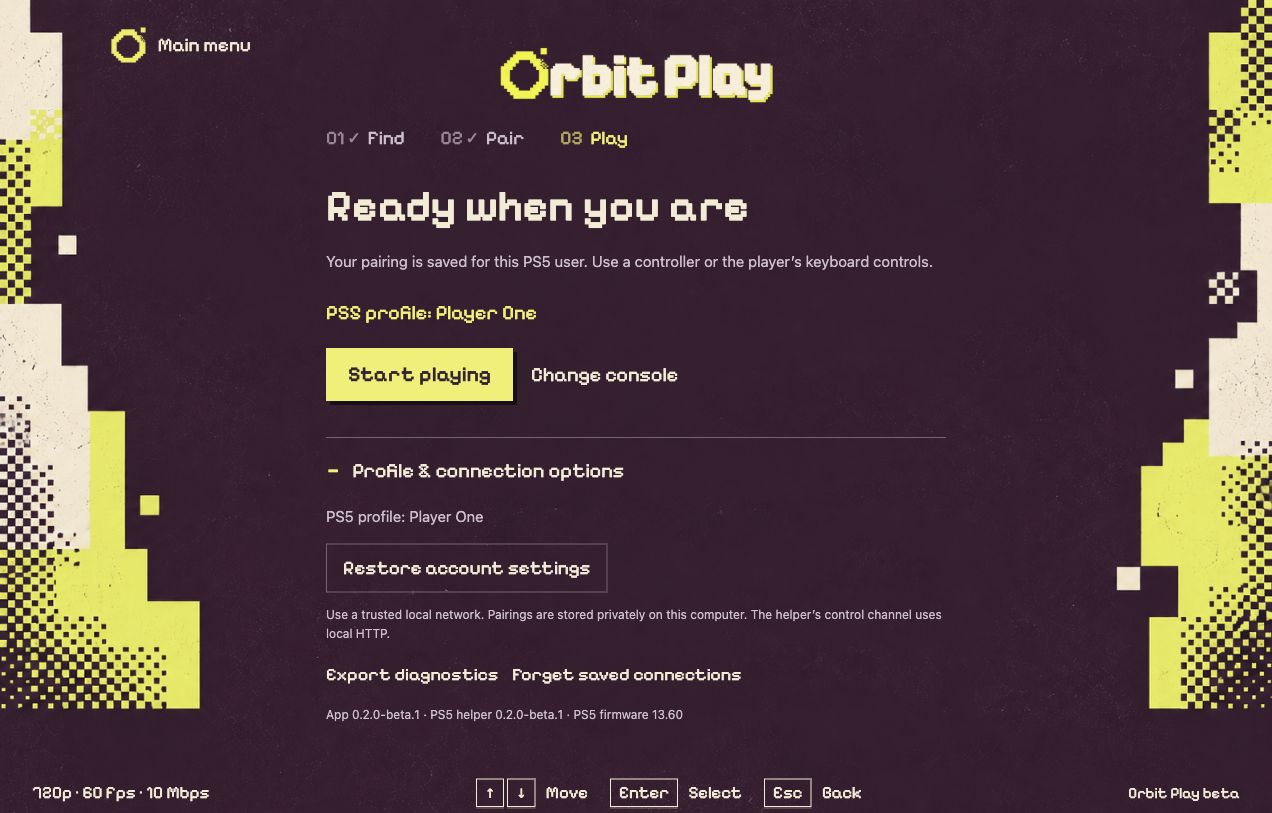
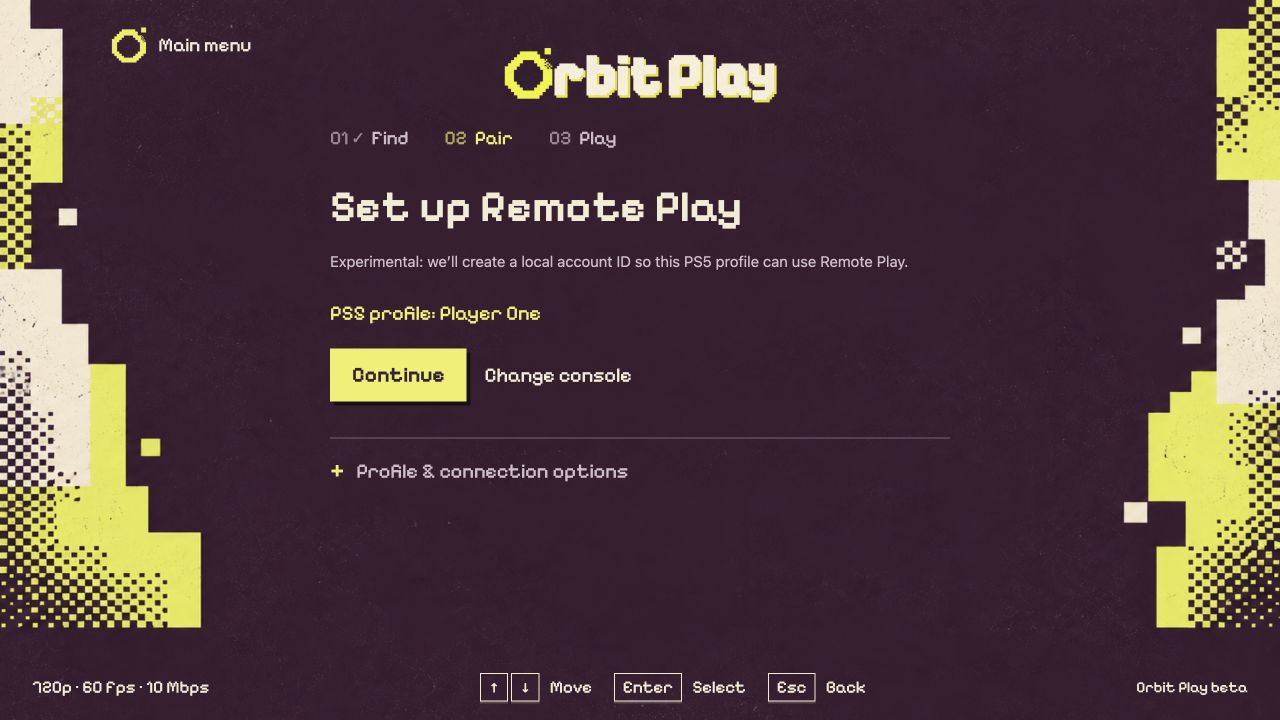
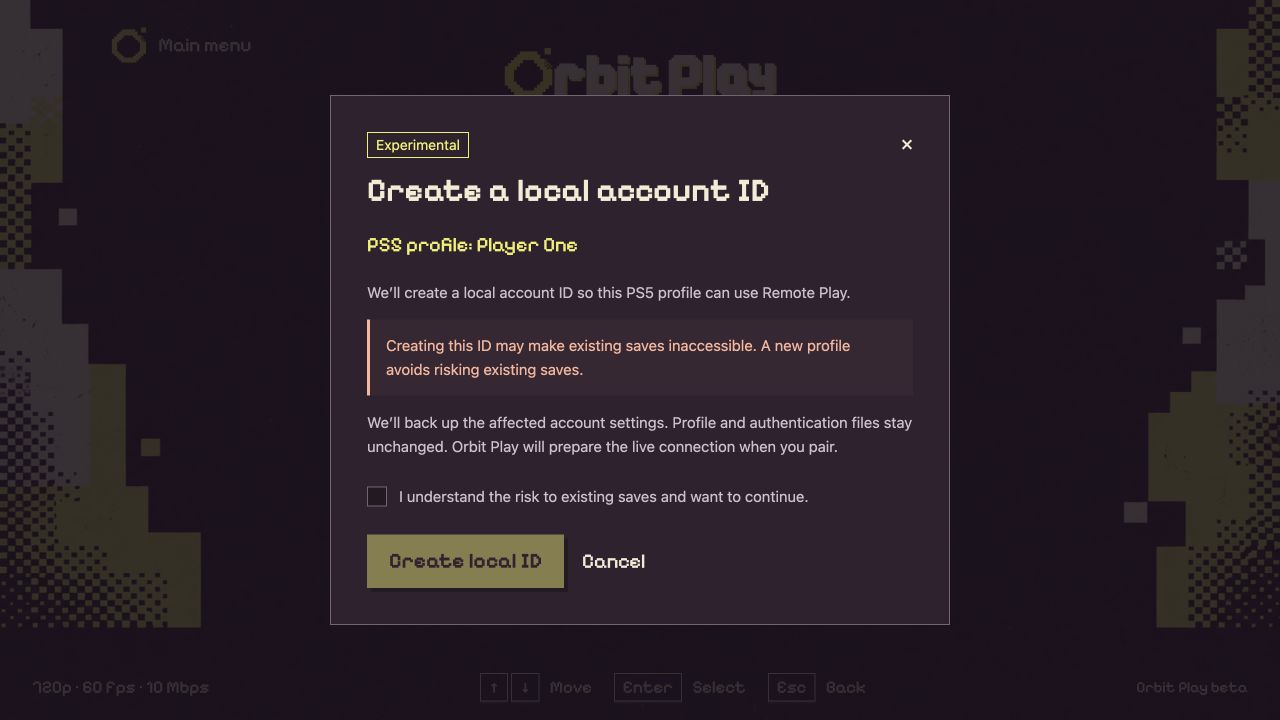
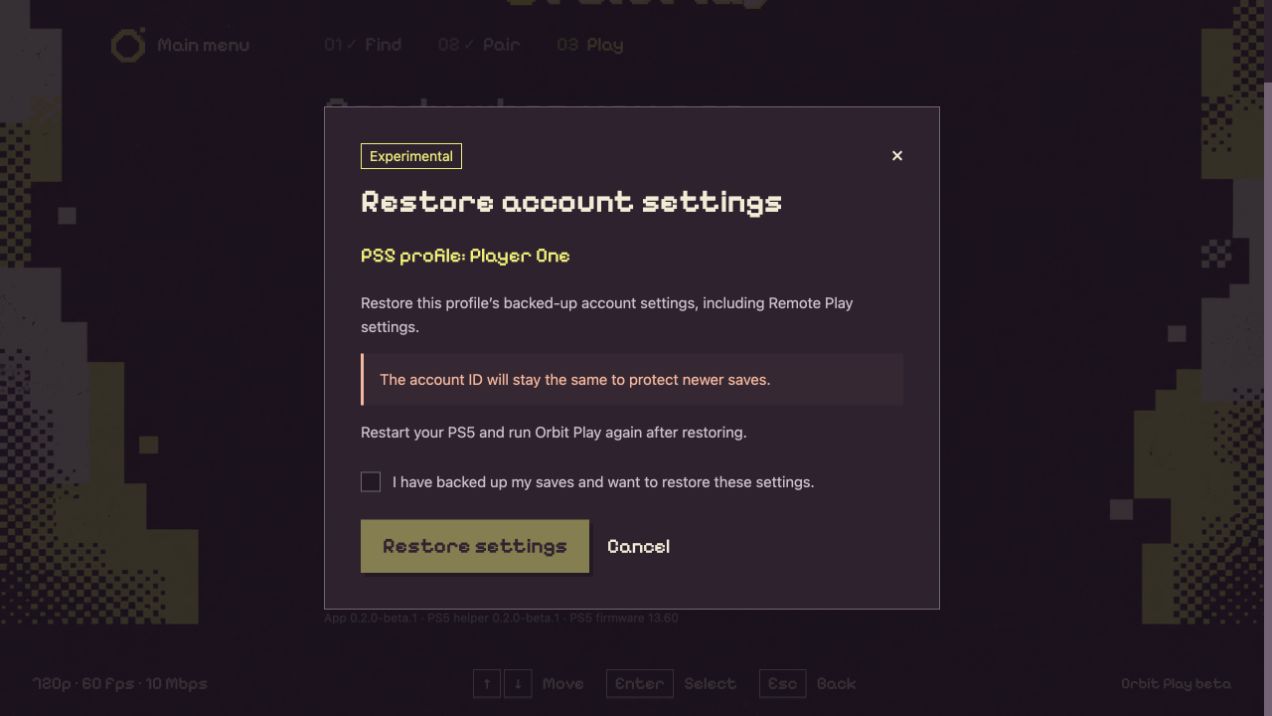
Orbit Play 0.2.0-beta.1 with example data. Select an image for the full-size file.